Android


Native apps for phones and tablets. Kotlin and Jetpack Compose, Android Studio and the standard SDK. Apps that follow Android and Material Design so they feel right on the device. From first build to Play Store release and the updates that keep the app current.
Trusted by innovators worldwide











Navigation, back stack, and system UI the way Android and Material Design define them. No compromise for a shared codebase. The app behaves like an Android app because it is one. Users get the experience they expect on the platform.
Native code and native UI. One codebase for phones and tablets with adaptive layouts and size classes. Different screen sizes and OEMs; the app still runs well. When the product needs the best fit for Android, native is the answer.
Internal testing and closed tracks before production. Play Console for listing, metadata, and release. The path from build to store is clear. We handle the pipeline so the app reaches users without surprises.
Discovery, design, build, deploy, support. One path from concept to an app that’s live on the Play Store and ready for updates.
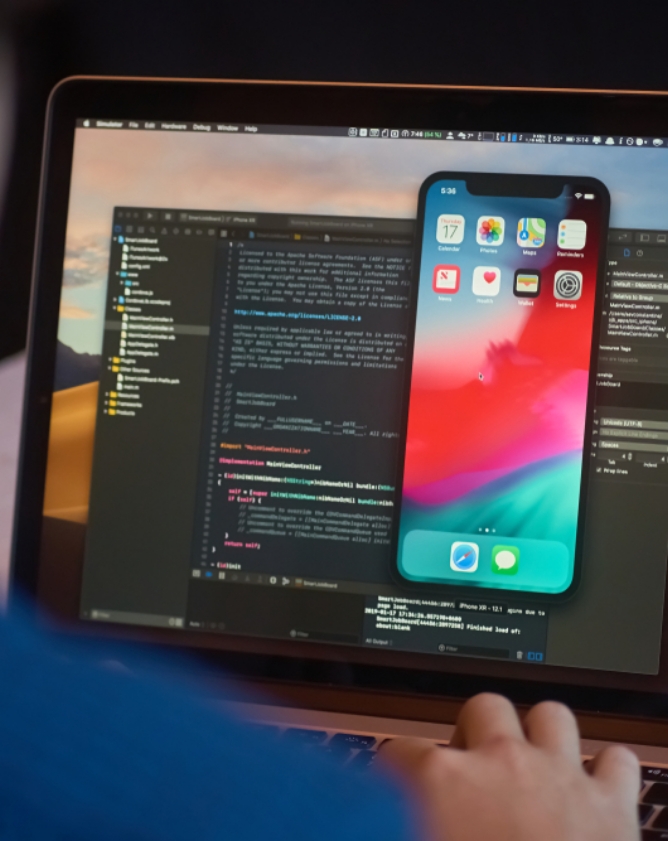
Phone and tablet apps in Kotlin and Jetpack Compose. New builds or adding features to an existing app: clear structure, tests where they matter, and a straightforward path to the store. Backend and APIs when the app needs to talk to your systems.
Google’s preferred language for Android. Concise, null-safe, and the default for new work. No legacy Java unless the project already uses it. Kotlin keeps the codebase modern and easier to maintain.
Declarative UI that’s the future of Android. Less XML, less boilerplate, and layouts that adapt to different screens. We use Compose for new apps and new screens; it’s where the platform is heading.
Some screens or legacy apps still use Views and fragments. Migration from an older codebase, or a pattern Compose doesn’t cover yet. We mix the two when the project needs it. Pragmatic, not dogmatic.
Android Studio for build, debug, and profiling. Emulator and real devices across API levels. The standard tooling; we work inside it so the app runs well and meets store requirements.
Components and patterns that match Android’s design language. Users recognise the look and behaviour. We follow Material so the app feels native and accessible. Customisation when the brand needs it.
REST or GraphQL, auth, and push notifications. Google Sign-In when the app needs it. The Android app is the client; we build or wire the backend so data and identity flow correctly.
Play Console lets you ship builds to testers before production. Internal track for the team, closed track for a wider beta. Feedback before the app goes live. We set it up and keep builds flowing.
Play Console for listing, screenshots, and release. Google’s review is often faster than Apple’s but requirements are strict. We prepare the build and metadata so review passes. Rejections happen; we fix and resubmit.
New features and fixes ship as updates. OS and policy changes sometimes require adjustments. We keep the app current so it stays in the store and works on the latest Android.
Phone and tablet apps in Kotlin and Jetpack Compose. Built for the platform so the app feels right and performs across devices.
New apps and new screens in Compose. Modern, maintainable code and UI that adapts. Views and fragments where the design or legacy demands it.
Apps that run on different screen sizes. Adaptive layouts and resource qualifiers so one codebase serves both. Tablet-specific layouts when the product benefits.
Internal testing, closed tracks, and production release. So the app gets from build to live without you wrestling the pipeline.
Smooth animations, fast launch, and UX that matches Android and Material. So the app doesn’t stutter or feel out of place on any device.
APIs, auth, and push for the Android app. Backend built or integrated so the app has data and identity. Same whether the app is consumer or B2B.
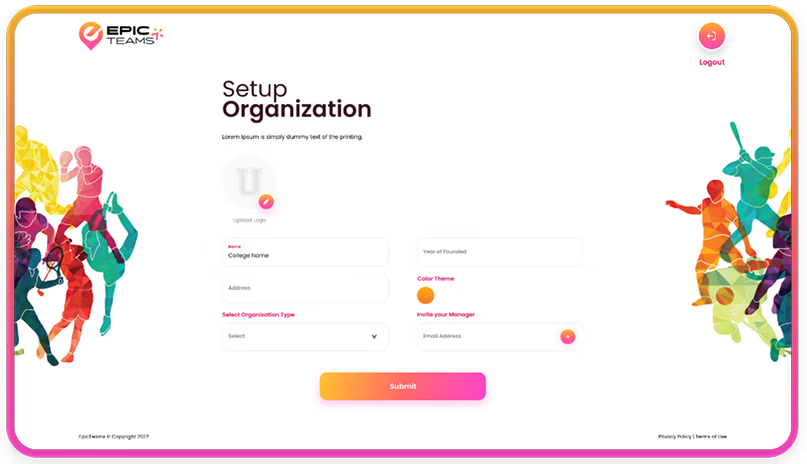
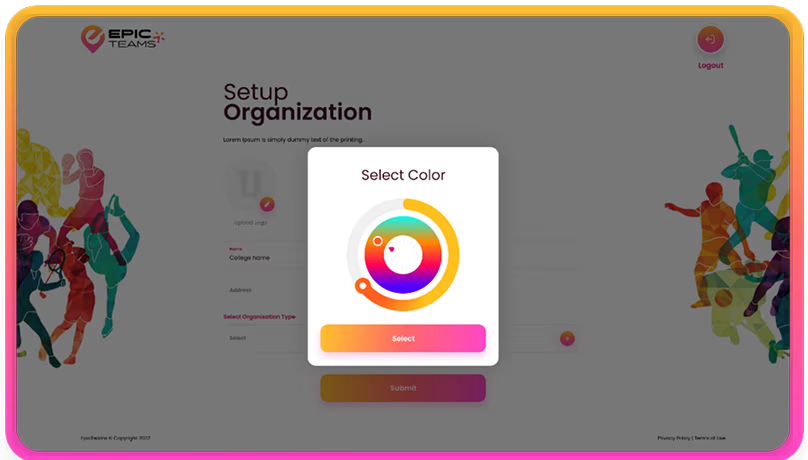
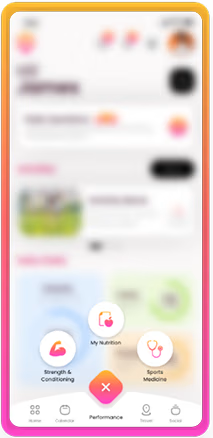

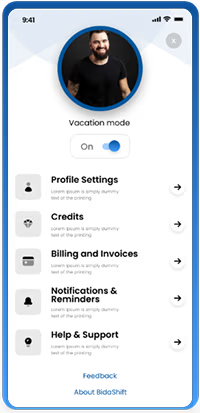
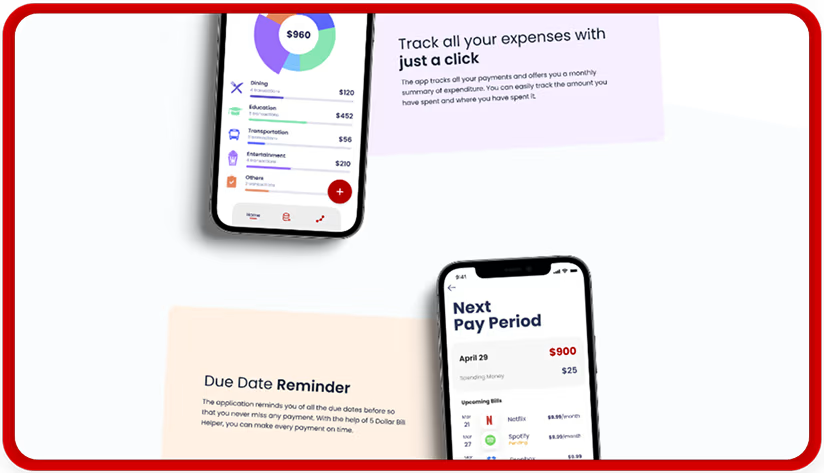
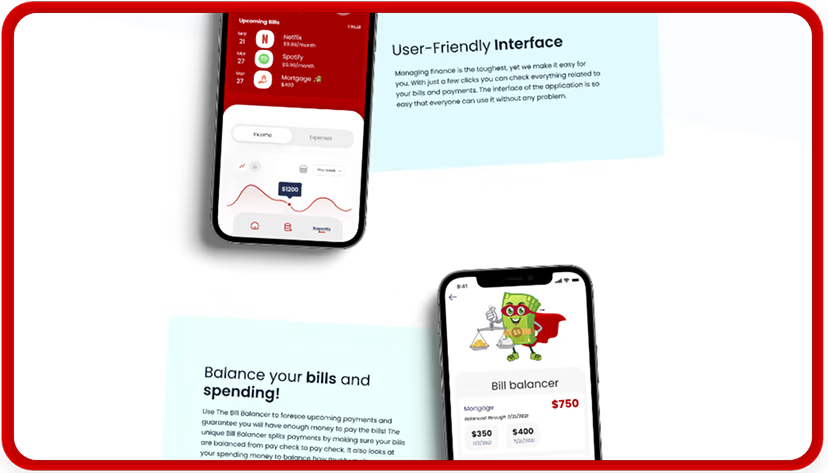
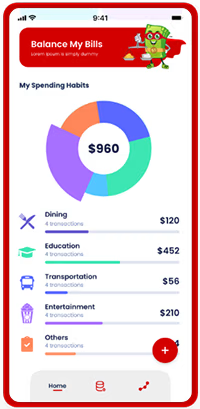



From your idea to a live Android app: understand, plan, build, ship, then support.
Goals, users, and device scope (phones, tablets, or both) pinned down. So the approach fits from day one.
Architecture, timeline, and feature set agreed. What’s in v1 and what lands in updates. Store and backend in the plan.
Sprints with design, development, and testing. Prototypes and test builds so you see the app before release.
Play Store submission and release. Backend and analytics in place. The app is live and users can download it.
Docs, handover, and optional updates and maintenance. OS and policy changes don’t leave the app behind.
We're open to collaboration with you, our next adventure.
© 2026 Webmigrates Technologies LLP. All rights reserved.